MarkWhat reads markdown beautifully.
A fast, private, offline markdown reader for Android. This page is a markdown file. You are reading it the way MarkWhat renders one: as a document.
What you are reading
Everything on this page started as plain markdown: the headings, the emphasis, the blockquote below. As you scroll, each block crosses the render line and typesets itself. That is the whole app, demonstrated: MarkWhat turns the file you have into the document you meant.
It is built for people who live in .md: notes, readmes, specs, study sheets, exported knowledge bases. Written in Kotlin, rendering on the device, working in airplane mode, asking for nothing.
Your notes are yours. A reader should not need your files, your network, or your attention.
Opening markdown on a phone usually means pinch-zooming raw # and ** in a text editor.
Readable to the person who wrote it. Unreadable to the person it was written for.
MarkWhat treats the file as a document. Rendered first, raw one tap away.
## How it renders · ```mermaid in MARKWHAT.md, drawn by scrolling
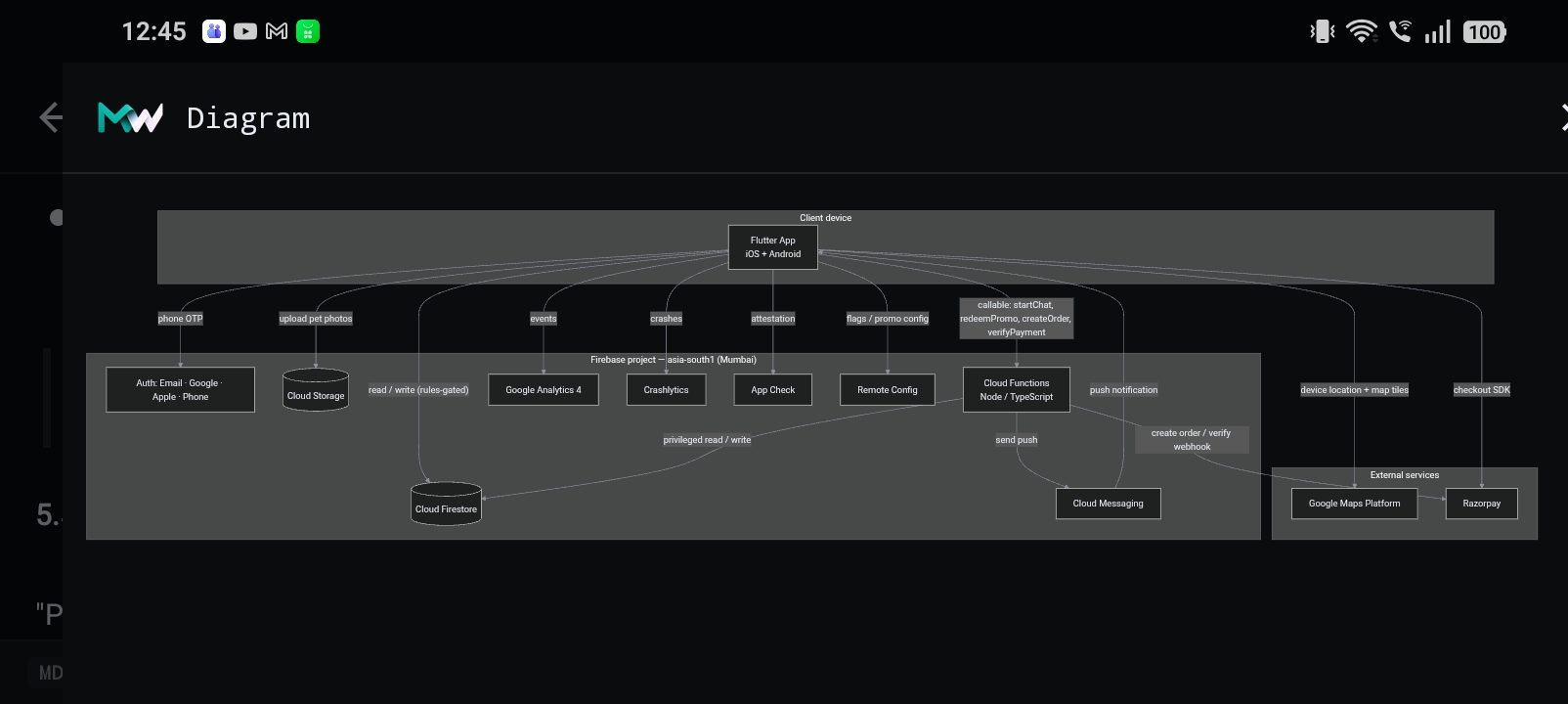
This diagram is a mermaid block in the file you are reading, drawn stroke by stroke by your scroll. In the app it is one tap: fenced ```mermaid code becomes a full-screen diagram, rendered on the device.
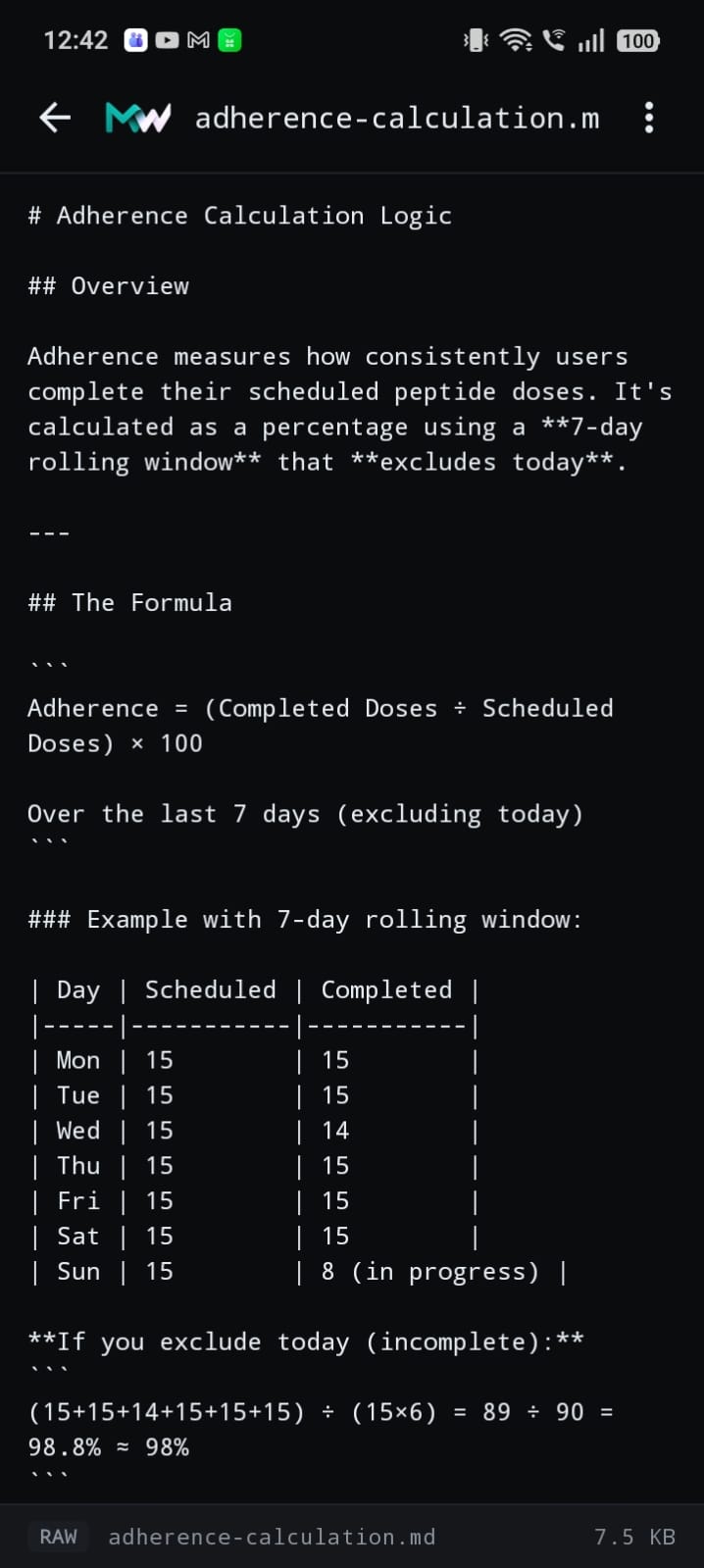
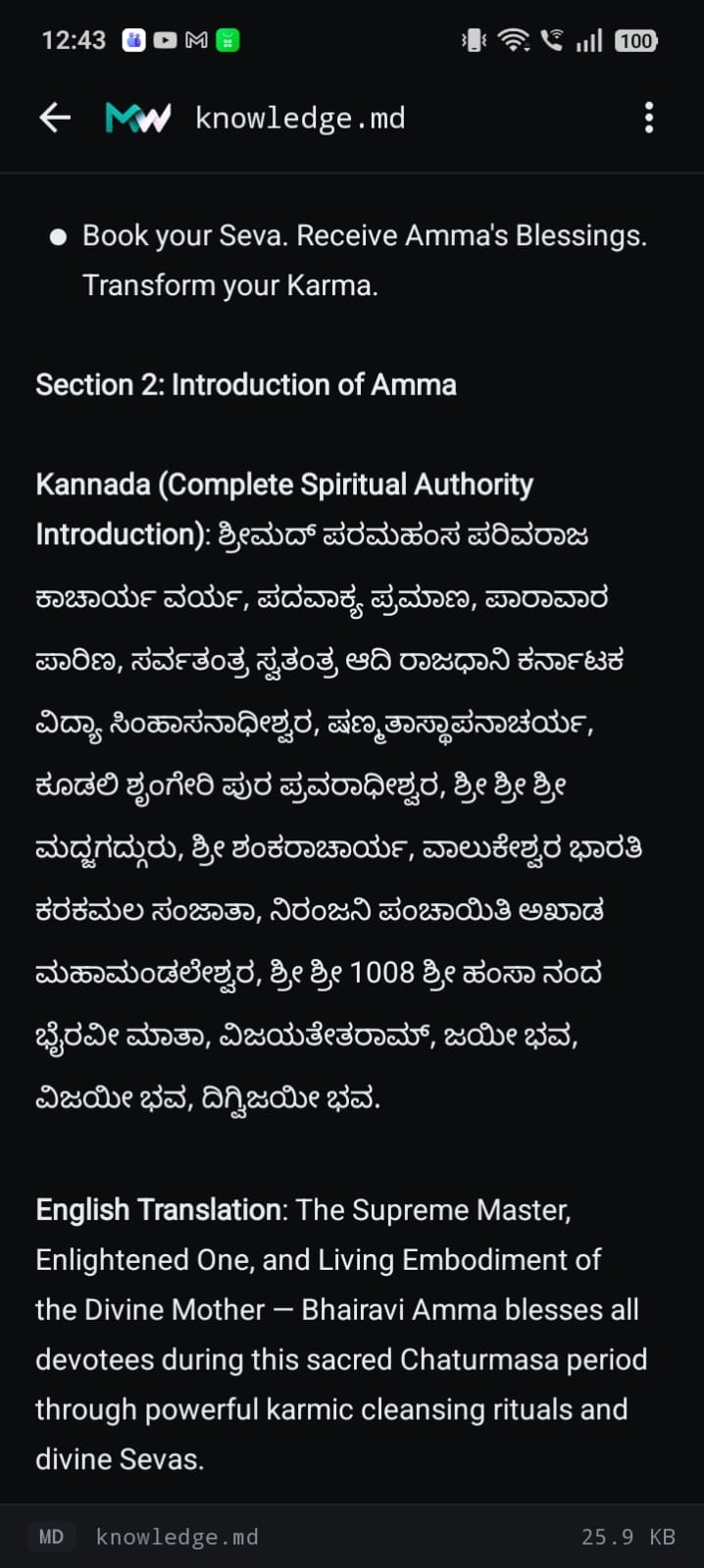
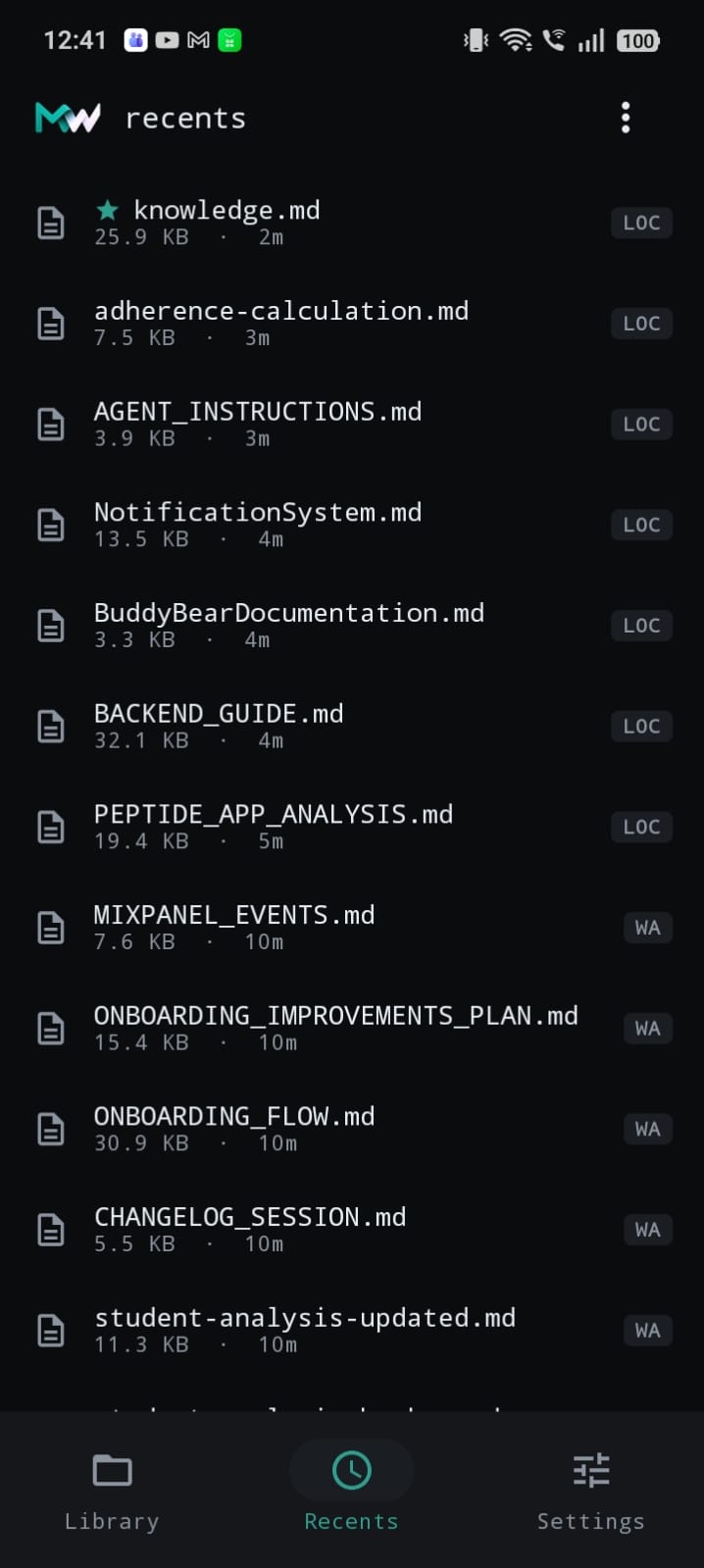
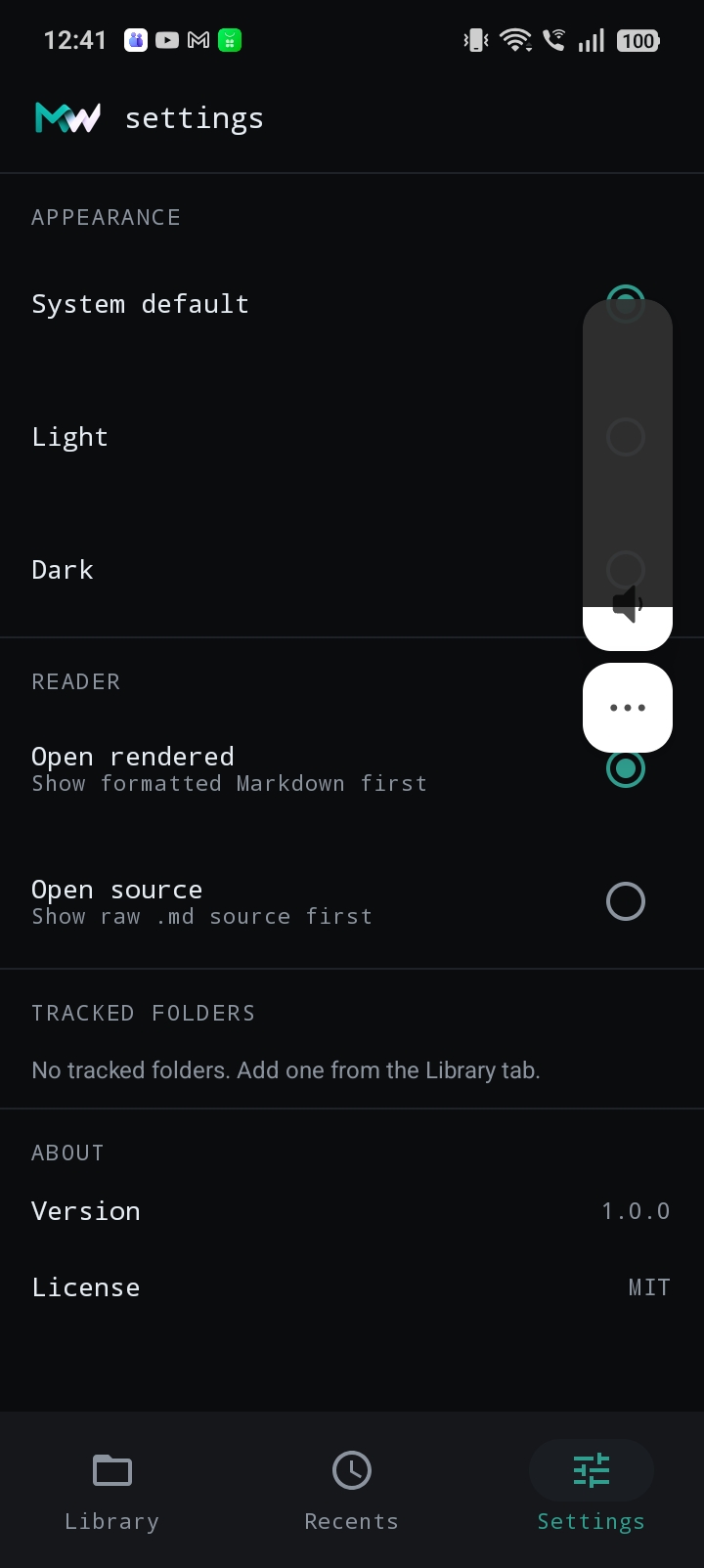
Figures, from the app itself.
Nothing mocked and nothing staged: screenshots of MarkWhat v1.0.0 reading real files.
Documents end. Yours can end here.
MarkWhat is shipped, v1.0.0, built by FirstPoint Studios. The Google Play listing is in review; be first when it lands.
> Get MarkWhat first opens mail · contact@firstpointstudios.comgoogle play · coming soon · android · kotlin · offline